
More time chasing files than analysing them
Every reporting cycle begins with chasing numbers from sites and getting them to agree. The analysis comes after that, if there is time.
Replace Excel & manual processes
Full control of every approval and live portfolio visibility across all sites and currencies, without collecting files or rebuilding decision history from inboxes and folders.
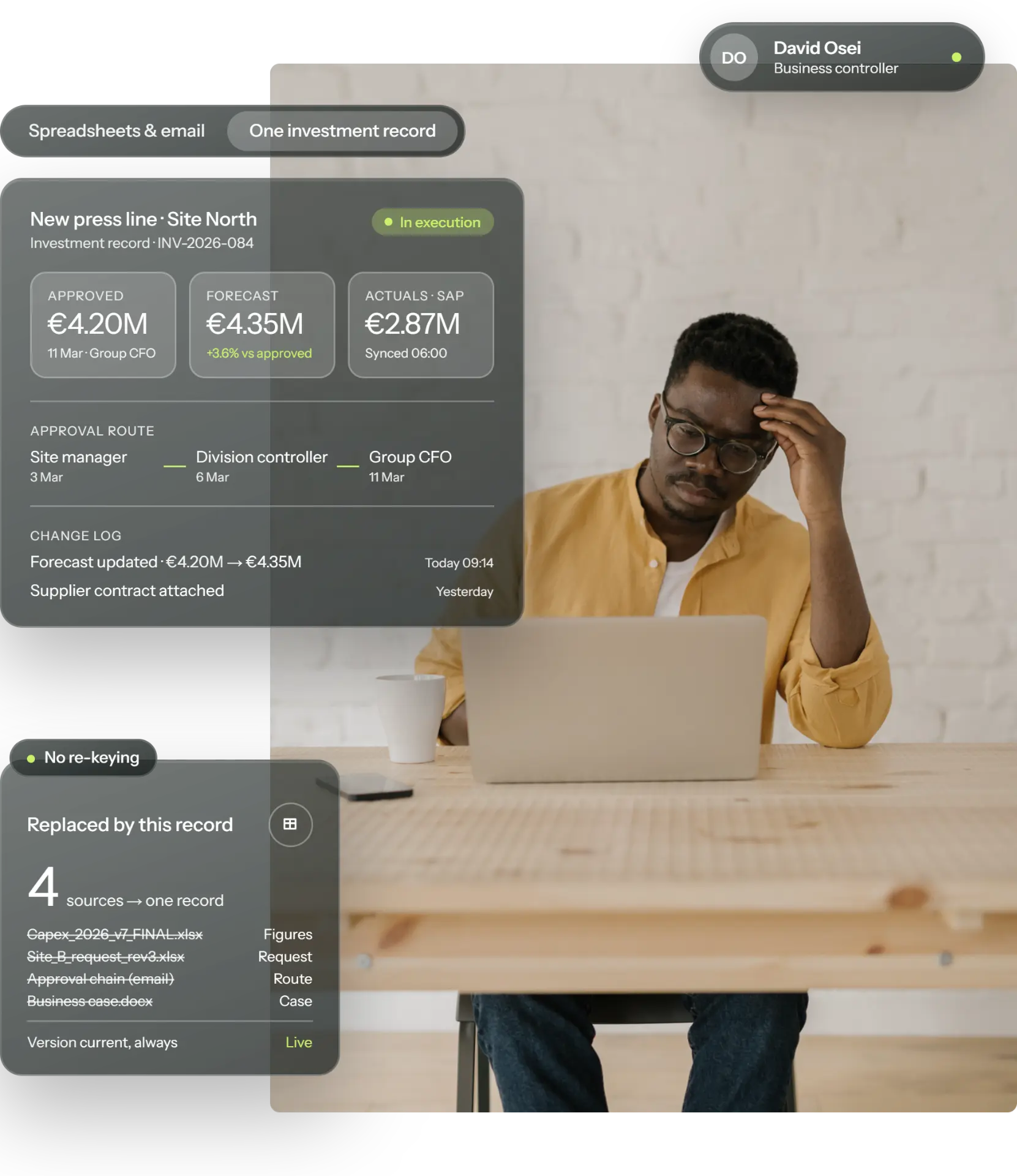
Staying in Excel
Across many capital-intensive industries, the capex process is still fragmented and manual. Finance teams, CFOs and controllers often rely on makeshift solutions built on Excel and SharePoint. They handle basic workflows, but fall short on capex functionality. The ERP records spend once a project exists, while the request, the business case, the approvals and the follow-up live in Excel files, Word documents, email and DocuSign.
63%
of companies with revenue above $1 billion still use spreadsheets as their primary budgeting and forecasting tool.
Every reporting cycle begins with chasing numbers from sites and getting them to agree. The analysis comes after that, if there is time.
Capital is allocated on business cases built with different logic.
Portfolio decisions rest on figures that are already weeks old.
Results of completed projects are never documented, so the next budget round starts from assumptions rather than from results.
One platform
Weissr Capex replaces Excel in capex management by bringing every investment onto one shared platform from request to post-completion review.
The portfolio has one current overview, priorities are set on the same figures, and the financial impact of each decision can be followed through to completion.
Before and after
| Capex in spreadsheets and email | In Weissr Capex |
|---|---|
| Data spread across systems, sites and countries, with no single source of truth or version control. | Everyone works from the same live figures on one platform, from site to group. |
| Capex approvals slow down, and it is hard to see who holds a request. | Requests reach the right approver automatically, routed by amount, entity and type, with every step visible. |
| Time lost collecting, reconciling and re-entering figures. | No re-keying: master data and actuals flow in from the ERP, and approved projects flow back to SAP. |
| Approval history is hard to trace. | Audit-ready at any time, with every approval and change logged with who, when and the values before and after. |
| A process that depends on one or two people. | The process stays when people move on: forms, routes and calculations live in the system, and finance changes them without IT. |
| Overruns found too late, reviews rarely done. | Overruns flagged while there is still time to act, and every project reviewed against plan at close-out. |
| Capex requests and business cases in different formats and logic, and every new site adds another format. | Every request and business case built the same way, on standardised forms and model templates, and new sites set up in days. |
| Limited control over who can see confidential figures. | Confidential figures seen only by the right people, with role-based access, encryption and ISO 27001 certification. |
Customer results: Nordic saw milling
25%+
time savings in the capex process
10%+
better cash flow from decisions
9 weeks
from implementation start to an operational system
A simplified, unified platform that sets us up to accomplish where we want to go with capital management.
The most significant impact has been the time savings realized from eliminating manual processes.
Now we do it the same way every time. We have one model, and we use it regardless of the investment.
Explore Weissr Capex
Requests, approvals and execution from first idea to close-out, with capital budgeting across the group structure.
Route requests through delegated authority automatically.
Track cost, forecast and benefit from approval to close-out.
Live portfolio visibility on budget, actuals and forecast.
Related: Portfolio Prioritisation · Security & Governance
Guides and reports
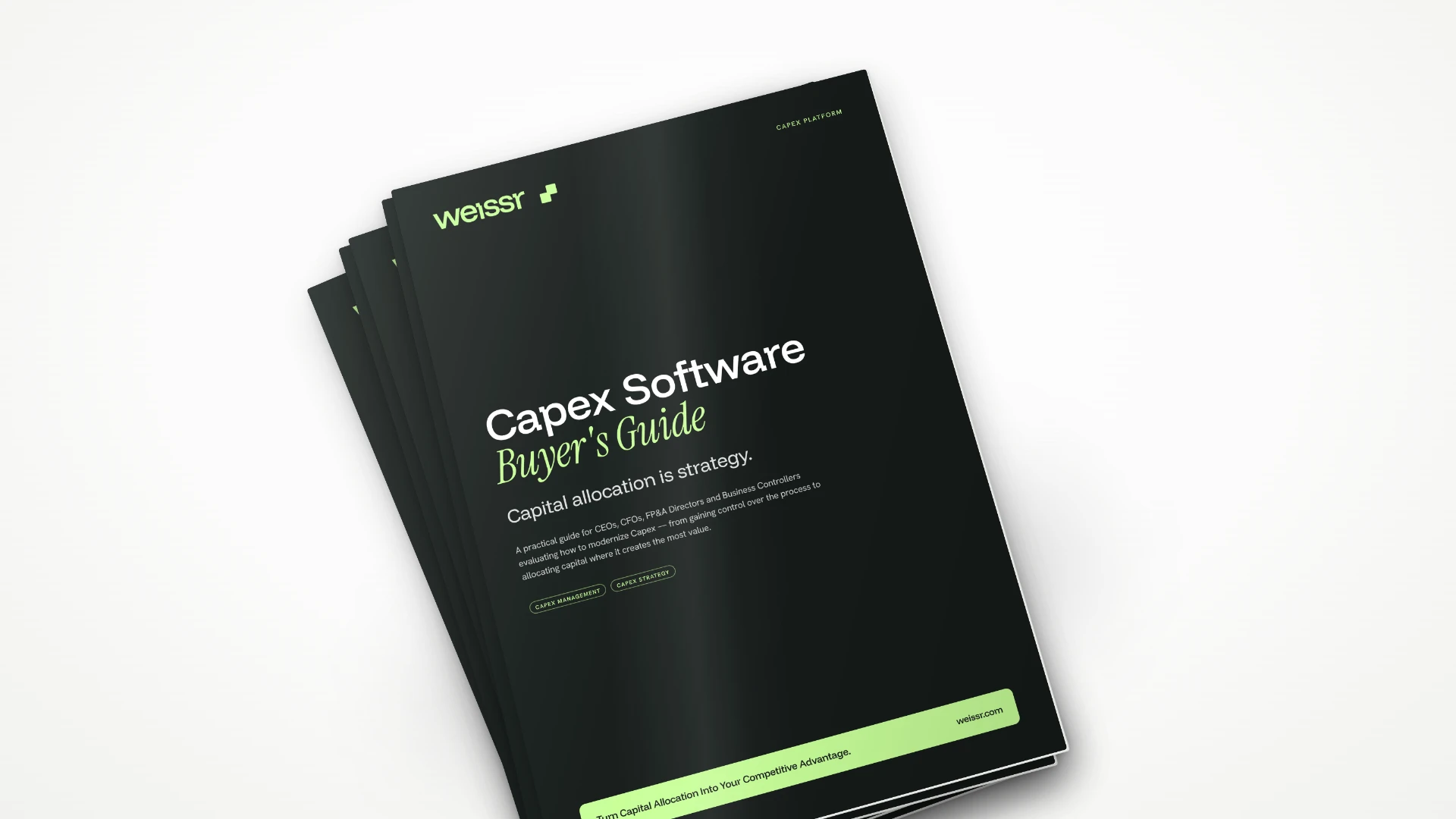
Guide
What to look for when moving capex off spreadsheets: the questions to ask, the pitfalls to avoid and how to compare vendors on what actually matters.
Download the guide →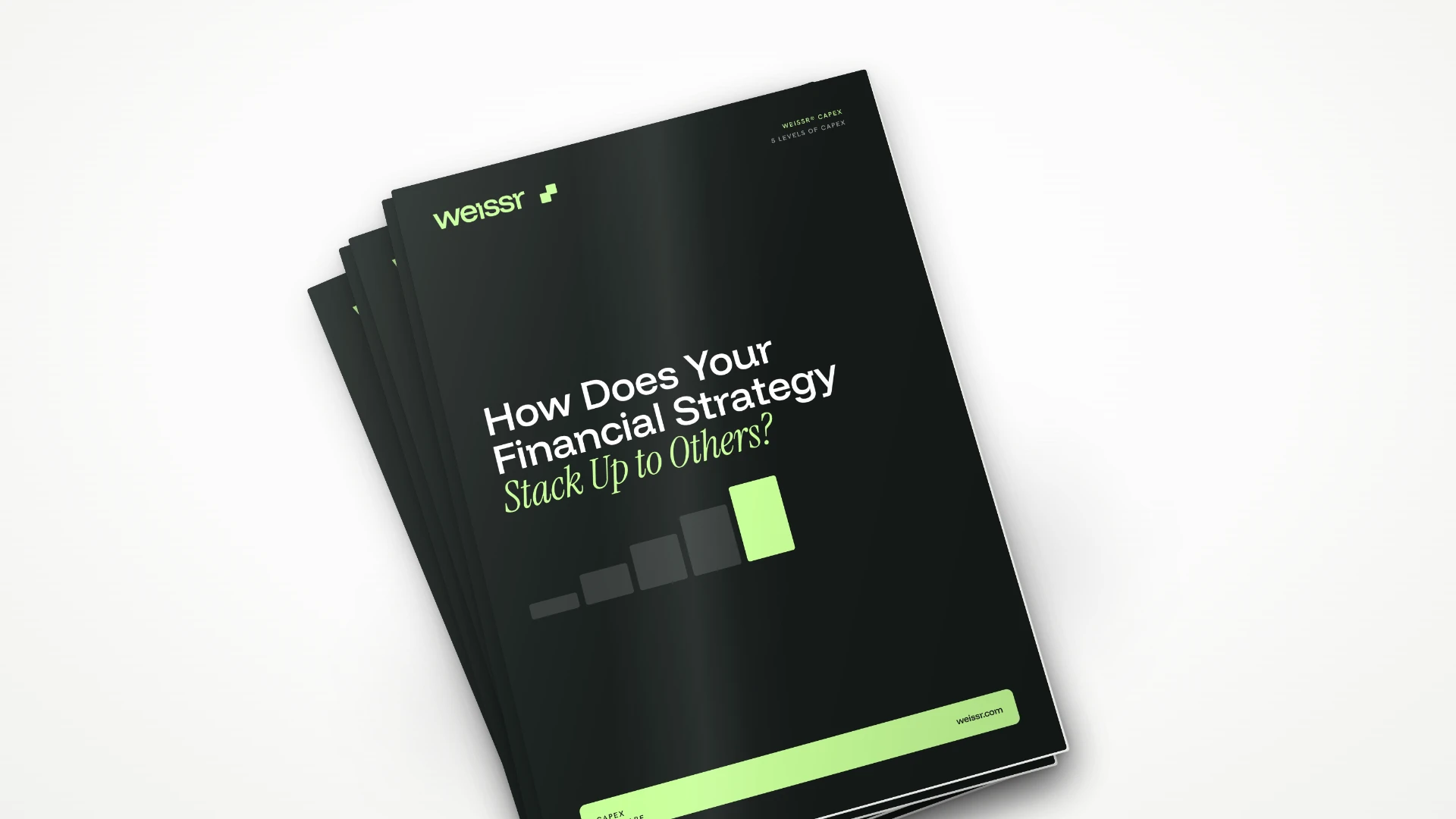
Report
Where spreadsheet-based capex sits on the maturity scale, and what changes at each level as planning, approval and follow-up move into one system.
Download the report →Capex Maturity Assessment
Answer a short set of questions on process, data, visibility and cash flow, and get a report showing your level in each area.
Take the assessmentReplace Excel FAQ
An Excel capex tracker works while a few sites submit a few dozen requests in one currency. It stops being enough when requests come from many sites and entities, when several currencies need consolidating, and when auditors need to see who approved what on which figures. At that point Weissr Capex replaces the tracker with each investment tracked in one place, with approval routes, ERP actuals and a full change log.
See Capex ManagementYes. Weissr Capex exports any configured view and investment models to Excel, for reports that have to be shared outside the platform. The export is a copy for sharing. The process itself stays in Weissr Capex.
Weissr Capex holds investment models built to mirror existing Excel business case models. Excel formulas work inside them, data can be pasted straight from a spreadsheet, and calculated fields take over metrics that used to be calculated separately. Where a model has to stay in Excel, it can be linked so that its results flow into Weissr Capex.
See Capital BudgetingWeissr Capex imports the full capex portfolio from Excel, including requests halfway through approval. Each keeps its approval route and current step, so nothing restarts. Projects approved before the move come in with the figures they were approved on.
Yes. Capex approval routes in Weissr Capex are configured to match the group's delegation of authority, using criteria such as amount, entity and request type. Finance adjusts forms, fields and routing directly, without IT tickets.
See Capex GovernanceYes. Weissr Capex holds group, division, business area and site in one structure. Each investment can be viewed in local currency, the user's currency or group currency, with exchange rates refreshed daily from the ERP.
See Financial Control & ForecastingNo. The ERP stays the financial record of money that has moved. Weissr holds the investment decision from first request to close-out. Actuals and master data flow from the ERP into Weissr automatically, and an approved project is created in the ERP as a project object without being typed in again. The integration is built on a standard API, so it works with any ERP that can exchange data. Weissr runs live with SAP and Oracle today, and is an official SAP PartnerEdge Build partner.
See IntegrationsA walkthrough built around the questions finance teams answer by hand today: where each investment stands, who approved it and what it will cost at completion. From a team with 30+ years in capex.
Book a demo